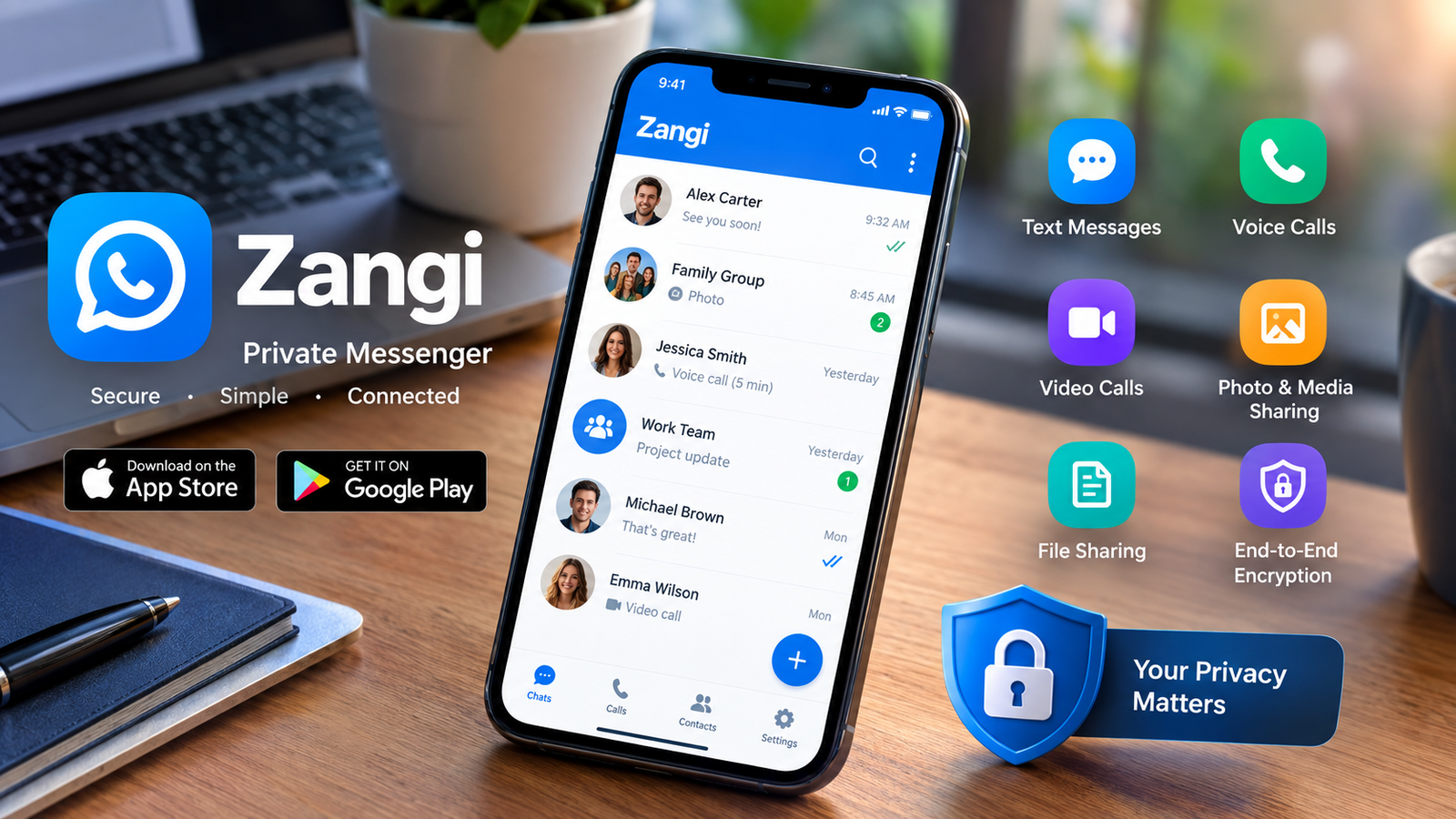
If you want a private way to chat and make calls, the Zangi app may be worth a look. It is a messaging app built with privacy in mind. You can use it to send messages, make voice calls, make video calls, and share files.
Unlike many messaging apps, Zangi does not require your mobile number for registration. Instead, it gives you a private Zangi number. This can help you keep your personal phone number private.
In this guide, you will learn what the Zangi app is, how it works, how to download it, and how its privacy features work. You will also find out whether Zangi is safe to use.
What Is the Zangi App?
Zangi is a private messaging app for Android and iOS devices. It lets users communicate through text messages, voice calls, and video calls. You can also share photos, videos, and other files.
The main focus of the app is privacy. Zangi says it does not collect or store user messages on its servers. It also uses end-to-end encryption for communication.
Another useful feature is private registration. You do not need to give the app your regular mobile number to create an account. Instead, Zangi provides a virtual Zangi number.
This makes the app different from many popular messaging services. It can be useful for people who want more control over their personal information.
How Does the Zangi App Work?
Zangi works like other modern messaging apps, but its registration process is different.
First, you download and install the app on your device. Then, you create your Zangi profile. The app assigns you a Zangi number. You can use this number to connect with other Zangi users.
After that, you can start chats and calls. You can also share media and files through the app.
Zangi says messages and calls are protected with end-to-end encryption. This means the communication is encrypted during the transfer between users.
The company also says that encryption and decryption happen on the user’s device. According to Zangi, user data is not stored on its servers.
Main Features of Zangi
The Zangi app offers several features for private communication. Therefore, it can work as an alternative to other messaging apps.
Private Registration
One of Zangi’s key features is private registration. You do not need to use your regular phone number to create an account.
Instead, the app gives you a virtual Zangi number. You can share this number with people you want to contact.
This can be useful if you do not want to share your personal mobile number with every contact.
Text Messaging
Zangi lets you send regular text messages to other users. You can use chats for personal conversations, work discussions, or group communication.
The app uses encryption to protect messages while they are being sent.
Voice and Video Calls
You can also use Zangi for voice and video calls. This makes it more than a basic messaging service.
Voice calls can be useful when you want a quick conversation. Video calls can help when you need face-to-face communication.
File and Media Sharing
Zangi also supports media and file sharing. You can send photos, videos, and other supported files through chats.
The service says these transfers use encrypted communication. However, users should still follow normal security practices when sharing private files.
End-to-End Encryption
Privacy is one of the main reasons people consider Zangi.
The company says end-to-end encryption is enabled by default. It also states that encryption is used for texts, media, voice calls, video calls, and files.
This means the content is protected while it moves between devices.
How to Download the Zangi App
The Zangi app is available for Android and Apple devices.
For Android, you can find it through Google Play. For Apple devices, you can find it through the App Store.
To download Zangi, open the official app store on your device. Search for “Zangi” and check the app name before installing it.
Next, tap the install or download button. Wait for the installation to finish. Then open the app and complete the registration process.
You should always download apps from official app stores. Avoid unknown APK websites or modified versions. These files may create security risks.
Is Zangi App Safe?
The question “is Zangi app safe” is common among people who care about privacy.
Zangi includes several security features that can help protect communication. The company says it uses end-to-end encryption and does not collect user data.
It also does not require a normal mobile number for registration. This can reduce the amount of personal information linked to your account.
However, no app can make your device completely risk-free. Your own device security also matters.
For example, use a strong device passcode. Keep your operating system updated. Also, avoid installing unknown software.
You should also be careful when sharing sensitive information with other people. Encryption can protect communication, but it cannot stop a trusted contact from sharing something you sent them.
Is Zangi Good for Private Messaging?
Zangi can be a useful choice if privacy is important to you.
Its private registration system is one of its biggest differences. You can create an account without using your regular mobile number.
The app also focuses on encrypted communication. In addition, Zangi says it does not store user messages on its servers.
Still, your choice depends on what you need from a messaging app. Some users may prefer apps with a larger contact base or more features.
Therefore, it is a good idea to compare the features you need before choosing a messenger.
Does Zangi Collect Your Data?
Zangi states that it does not collect user data for its messaging service. It also says that messages and other communication data are not stored on its servers.
The company says user information stays on the device instead.
However, privacy policies and app features can change over time. So, users should review the current privacy information before relying on any service for sensitive communication.
It is also important to protect your own device. If someone gets access to your unlocked phone, app-level privacy features may not protect everything on the device.
What Makes Zangi Different?
Zangi stands out because of its approach to registration and privacy.
Many messaging apps connect an account to a mobile number. Zangi uses a virtual number instead.
The app also focuses on encrypted communication. It provides messaging, voice calls, video calls, and file sharing in one service.
As a result, Zangi may appeal to users who want a simple communication app with a strong focus on privacy.
Zangi App Pros and Cons
Zangi has several useful features. Private registration is one of its main advantages. It also supports text messaging, voice calls, video calls, and file sharing.
Its focus on encryption may also appeal to privacy-conscious users.
However, the app may not be perfect for everyone. Some users may prefer services with larger user communities. Others may want more advanced social or business features.
Your experience can also depend on your device, internet connection, and app version.
Final Thoughts
The Zangi app is designed for people who want private communication. It supports messages, voice calls, video calls, and file sharing.
Its biggest difference is the ability to register without a regular mobile number. Instead, users receive a virtual Zangi number.
Zangi also says it uses end-to-end encryption and does not collect user data. These features make it an interesting option for privacy-focused users.
Still, you should use basic security practices on your device. Keep your phone updated, use a strong passcode, and download the app from an official store.
Overall, Zangi can be worth considering if private messaging and calls are your main priorities.
Frequently Asked Questions
What is the Zangi app used for?
Zangi is used for private communication. You can send text messages, make voice calls, make video calls, and share files and media with other users.
Can I use Zangi without a phone number?
Yes. Zangi allows users to register without using their regular mobile number. The service provides a virtual Zangi number for communication.
Is Zangi app safe?
Zangi includes privacy and encryption features designed to protect communication. However, users should also protect their devices and avoid sharing sensitive information with untrusted people.
Is Zangi free to download?
Yes. The Zangi app can be downloaded from the official Google Play Store and Apple App Store. Some features or services may vary by platform.
Does Zangi use end-to-end encryption?
Zangi states that end-to-end encryption is enabled by default. The company says encryption is used for messages, media, voice calls, video calls, and files.
Does Zangi store messages?
Zangi says that user messages and communication data are not stored on its servers. The company states that data remains on the user’s device.
For more updates visit: FUNDLY